
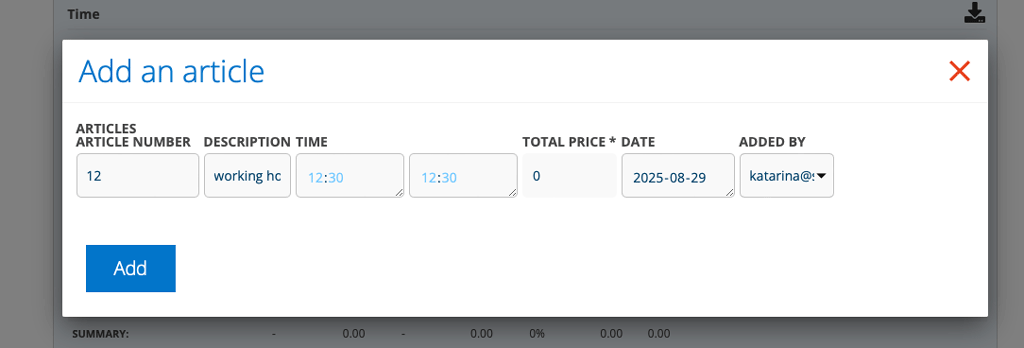
If you use this setting, you specify a start and end time instead of a number of hours, e.g. 07:15 – 11:30 and 12:00 – 15:45 on your orders.
If you have started a timer, the time will be added automatically when you end and switch the timer. Read more about timers here.
The system calculates your worked time. Breaks entered in your user settings are not deducted, you must enter your actual worked hours.
The time will be added to your time report.
If you need to change your worked hours, do so on the order. The change must be made before you mark the time report as complete – unless you have “Free mark as completed”.
Information for administrators
To activate the function, do this:
Go to Time report settings and select “Enter time using start and end”.
The setting should be combined with the Article setting – “Enter quantity in hours and minutes” so that you get fields for time on time lines in an order.
You must also have the Article Setting – “Separate time report articles”.
NOTE!
With this setting, the system cannot take into account set breaks.
The calculation does not take into account the set “step length” in Time report settings.

