
Used when each assigned technician should be able to mark their part of an order complete. Only when all assigned technicians have marked the part complete can the order be completed.
Conditions: The technician must be assigned to the order.
Admin – Set the permission
- Go to Group settings
- Click on the user who should have the permssion to clear his part.
- Under Service protocol and Work order check “Set individual ready”
Technician – do this:
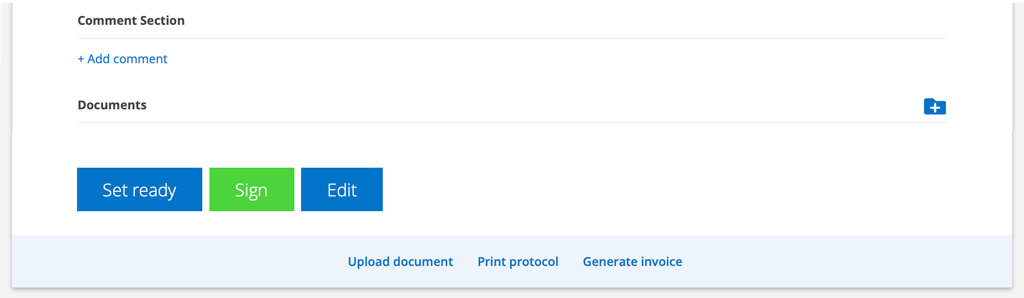
- When you are finished with your work, click Set ready.
- The signature box opens and you sign your work.

Last technician signs the order
If you have the permission to sign, you also have the sign button. If you are on a service protocol, the button is greyed out.
Always start by clicking Set ready.
The last technician to Set ready also needs to sign the entire order.
Have I marked Set ready?
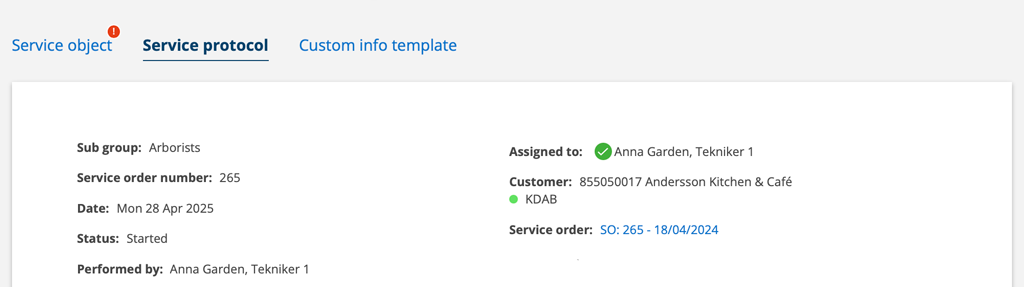
When you have completed (set ready) and signed your part of the work, you will see a green check mark after your username under Assigned.
Filter by completed/uncompleted tasks
Under To do you can set filter on SHOW ONLY:
- No user assignment completed
- Partially user assignment completed
- All user assignment completed

