
26-07-08 – Move multiple orders at once
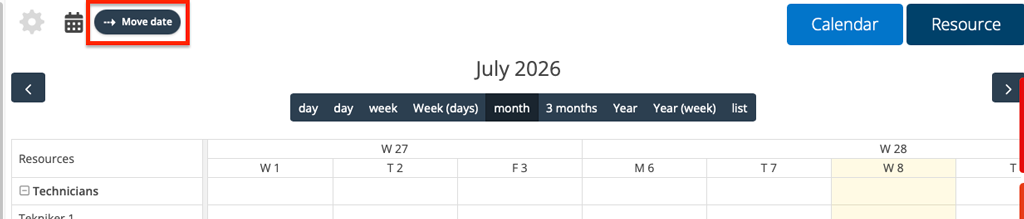
There is now a new option in the Planner settings: “Show bulk move”. This setting adds a Move date button to the Planner. This setting allows you to move multiple bookings from one day to another at the same time.
Click the Move Date button.
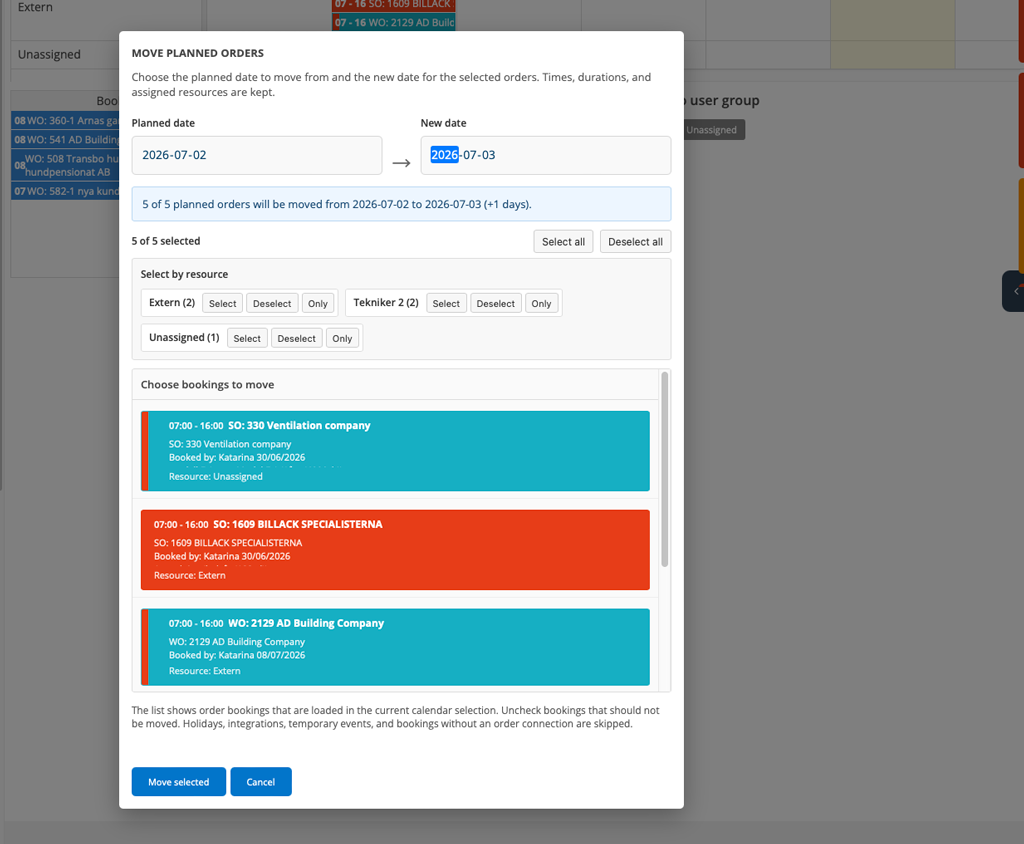
A popup opens where you select the date from which day and to which you want to move orders. You can select which orders to move. For example, it can be all or some of a selected user. Click on the order fields (detail view) to select or remove selected orders.
When you are done selecting, click Move selected. When the system has finished working, click Close or outside the popup to close it.
Nothing more than the day changes, assignment, time, etc. remain.
Enabling the feature requires admin permission. To use the Edit permission in the Planner.

