
26-02-10 – Customers order number, quote from fault report …
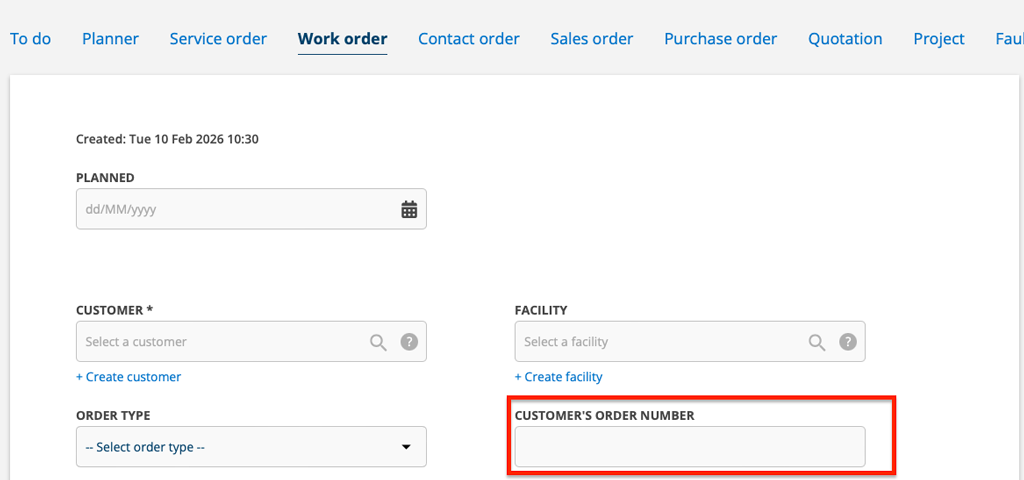
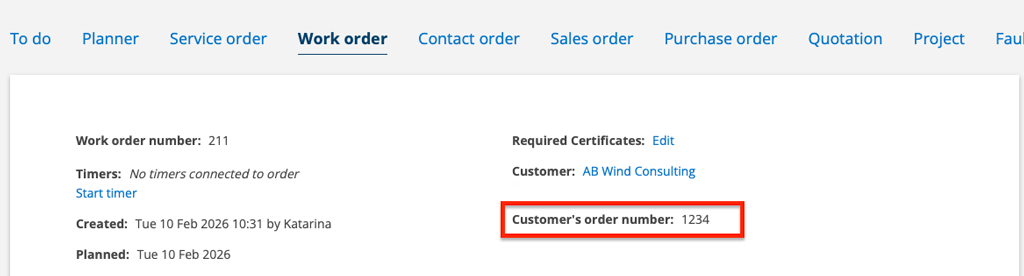
The customer order number moved
We moved the customer order number field to the top of the order. This applies to all features.
The field is now located as in the pictures here, just above any custom fields you may have defined.
Create quote from fault report
At the bottom of a fault report you will now find the Create quote button.
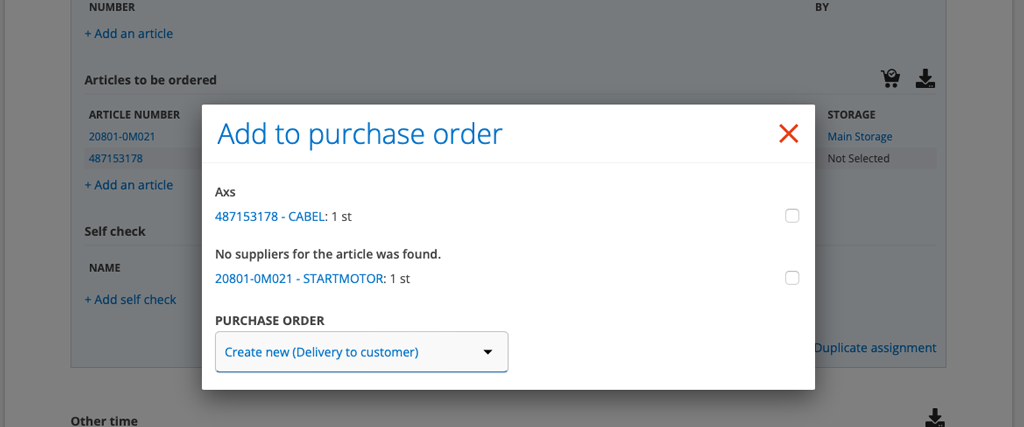
Delivery address directly to customer?
Have you to a work or service order added articles that will be shipped directly to the customer? When you create the purchase order, you can select Create New (Delivery to Customer) and a shipping address will be included with the purchase order. The shipping address is taken from the quote, facility, or customer – in that order.
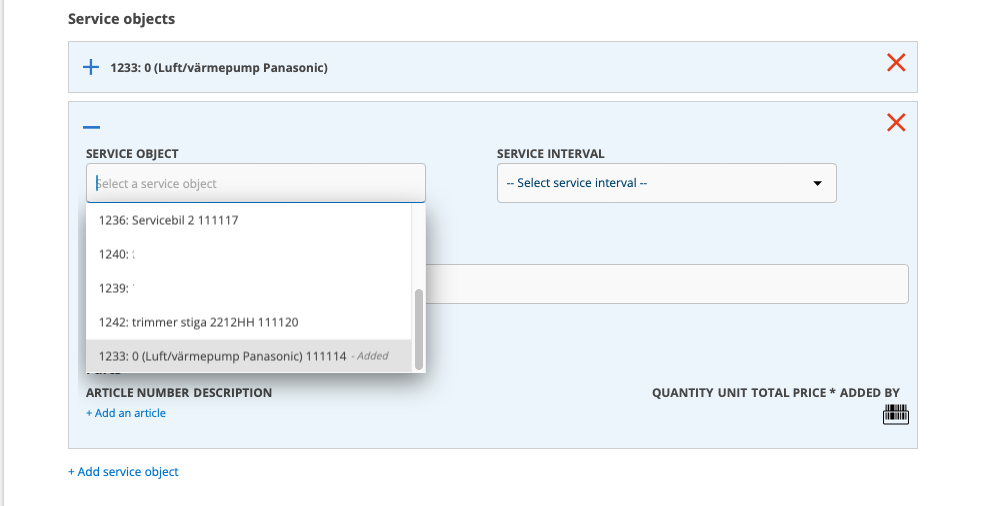
Same service object on one order?
Need to add the same service object again? Now you can!
You will find these at the bottom of the list of service objects with the information that the object has already been added.
So if you need to add the same service object to an order again, you will have to look at the end of the list.

