
26-07-22 – Model, Agreement and order type, new tags for print template for self-check …
Model
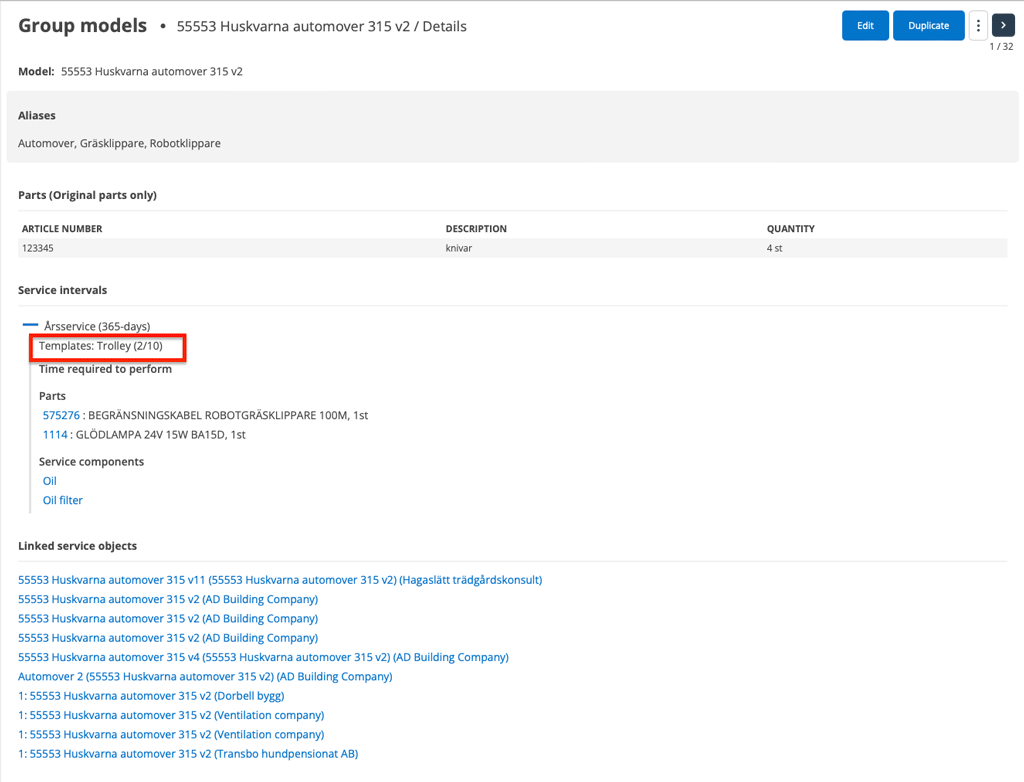
On a model, you can now see which template(s) have been used in the service interval.
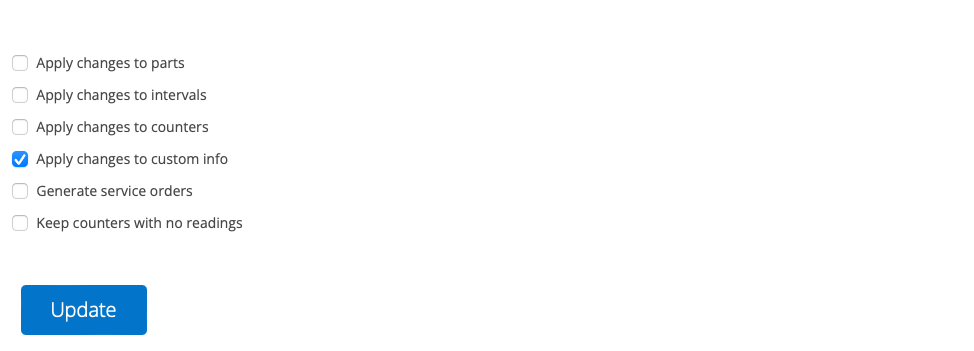
We have also added the ability to enter Custom Info on the model. When updating this information, you need to select the option “Apply changes to custom info”.
Article number on service object record
Also new for service objects is that you can enter an article number on the service object. This means that the object is displayed on the article record under Used in – Service object. You can see directly on the article record how many objects you have. The function can be used, for example, when you have service objects for sale.
Agreement and order type
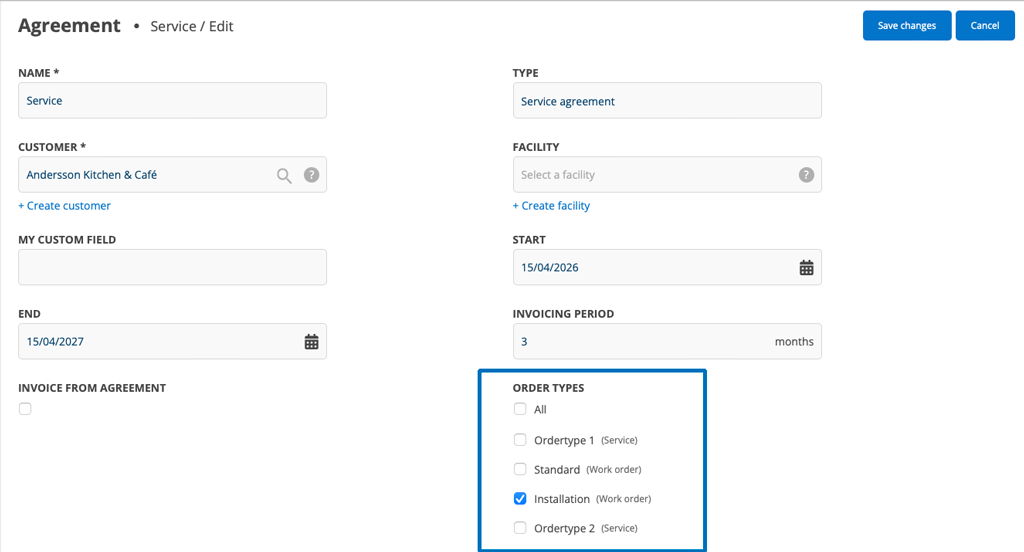
Create an agreement and select which order types the agreement should apply to – one, several or all order types.
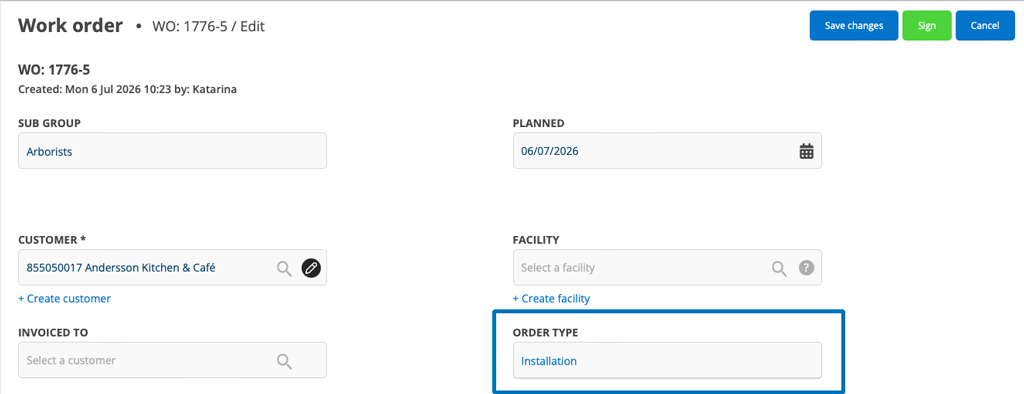
When you then specify the selected order type on the order, the agreement will be applied to the order.
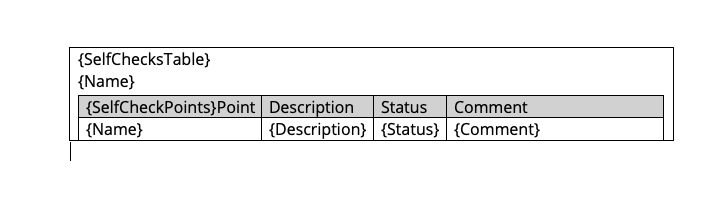
Own print template + several Self-checks
To be able to print multiple self-checks on one protocol, special tags are required. You can find all the tags for self-checks in the article Tags for self-checks. At the bottom of the page there are also documents for download with examples of self-check tables.
Project
Purchase orders can now be added to a project.
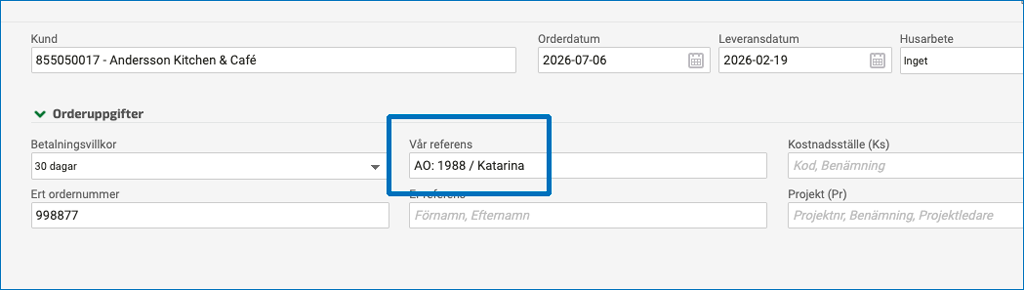
Our reference
Fortnox – the settings Add assigned to our reference and Set signed as our reference now also affect sales orders. So you can get the order number and the seller in the Our reference field.
Learn more about Fortnox integration setting for reference. (Information only available in Swedish)

