
26-08-10 – Edit mailing templates more easily
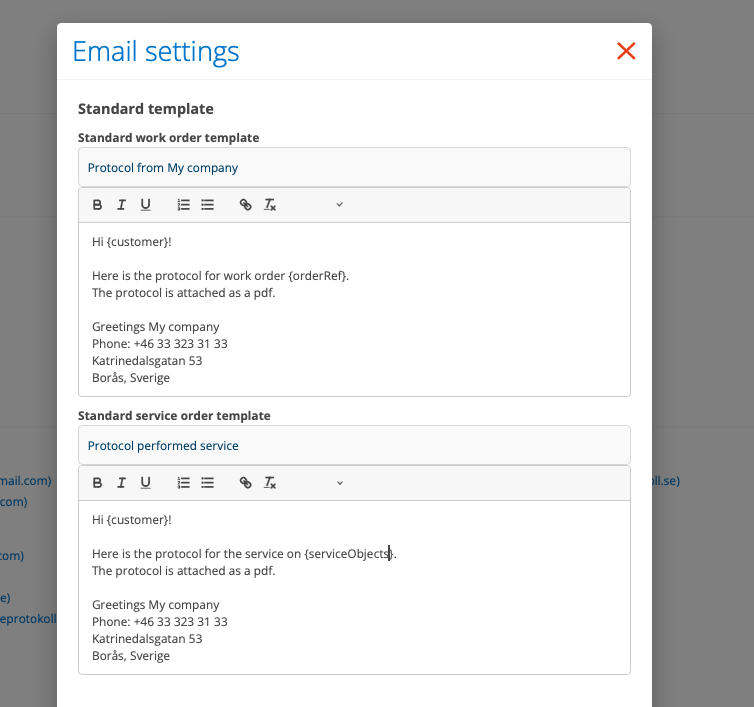
In the Email settings, you can create a number of templates for your email or SMS mailings.
Standard template for sending protocols and order confirmations for Work Orders and Service Orders.
Order confirmations for Work Orders, Service Orders and Contact Orders.
Templates you create here can then be selected in many places – Sales Order, Purchase Order and Quote, then under the Send Email button.
The function has a simple editor where you get support in creating the templates. All the tags are also in the editor under “Tags”. Place the cursor where you want the tag and then click on the tag you want.

